Russian
From ConTeXt wiki
< Fonts | Encodings and Regimes >
Contents |
[edit] Russian (Cyrillic) fonts and UTF
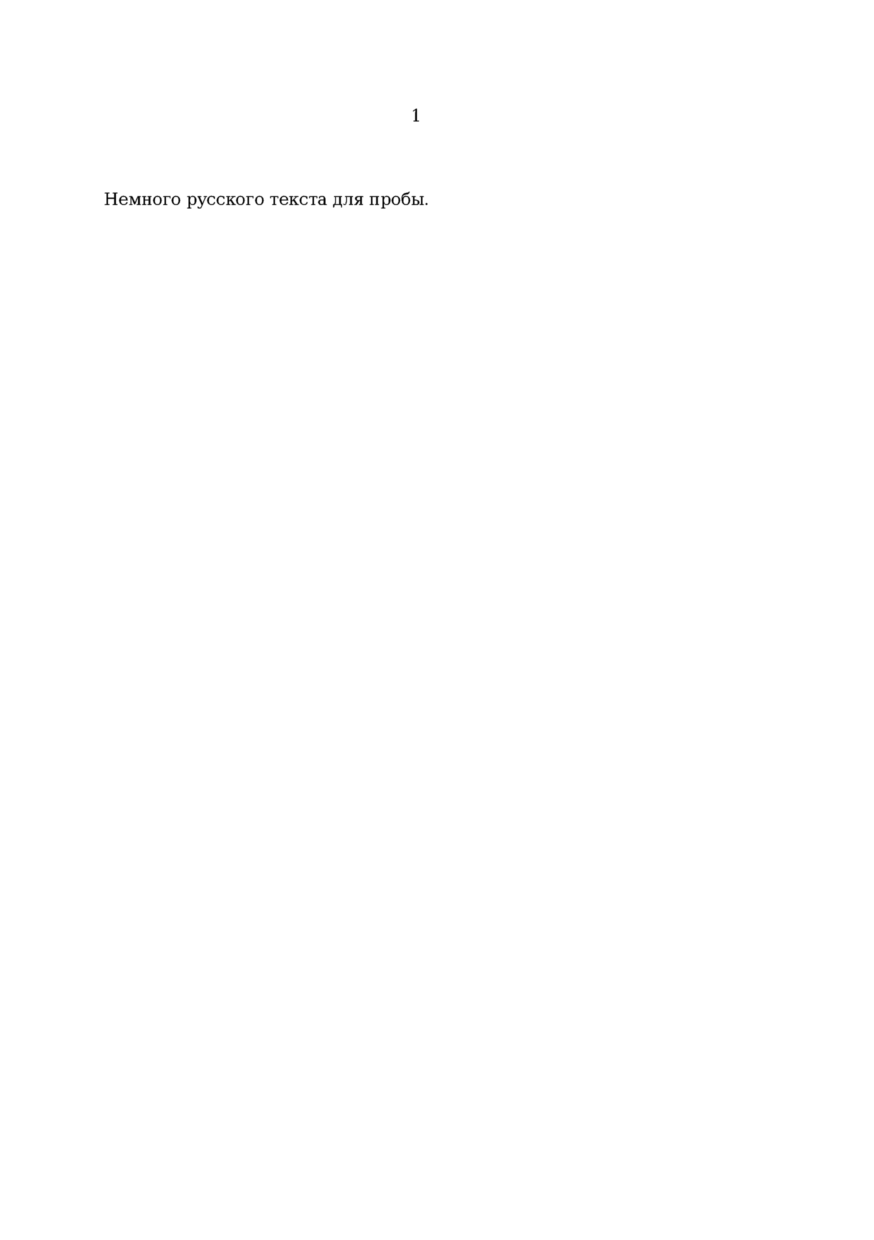
It is now possible (from ConTeXt version 2005.01.26 or 2005-01-31) to type Russian (cyrillic) letters directly in your .tex file using UTF-8 encoding. I have only tested this on TeXLive 2004, but I guess it would work on any distribution as long as you have the cm-super fonts installed (On TeXLive you had to generate the tfm files needed using the afm2tfm application (see furhter down on this page for a small python script that enables you to create all tfm files), or by using the fonts in LaTeX). Here is a minimal(?) working file.
\enableregime[utf] \useencoding[cyr] \definetypeface [russian] [rm] [serif] [computer-modern] [default] [encoding=t2a] \setupbodyfont[russian] \starttext Мама и Папа % Some Russian characters \stoptext
[edit] Russian (Cyrillic) fonts and Windows 1251
The following example should work if you save your file in the Windows 1251 encoding:
\definetypeface [russian] [rm] [serif] [computer-modern] [default] [encoding=t2a] \definetypeface [swedish] [rm] [serif] [latin-modern] [default] [encoding=texnansi] \setupbodyfont[russian] \starttext Some russian text: Там можно встретить медведей. Some swedish text: {\switchtobodyfont[swedish]D\"ar kan man m\"ota bj\"ornar.} \stoptext
At least it works here with TeXLive 2004.
[edit] Russian (Cyrillic) fonts and koi8-r (koi8r)
For koi8-r input encoding try this:
\useregime[cyr] % loads input regimes \enableregime[koi8-r] \starttext Тест кои8-р текста. \stoptext
For this example to work you need some cyrillic fonts, which is not included in default ConTeXt distribution. AFAIK cm-super is one of the most comprehensive cyrillic font packages. It can replace most fonts in cont-lmt. There is also small type1 font package pscyr.
If you have one of these, you need to add this before \starttext:
For cm-super try:
\usetypescript[modern-base][t2a] % switch default typescipt \setupbodyfont[modern]
or for pscyr:
\usetypescript[pscyr][t2a] \setupbodyfont[pscyr]
But you need to make sure that all typescript definitions are in place.
Example typescript for PSCyr can be downloaded from http://radhelorn.freeownhost.com/files/type-pscyr.tex. Place it in the same dir as your tex file or in ConTeXt user directory and add this command before setting typescripts:
\usetypescriptfile[type-pscyr]
If all files is on their places this should work "out of the box".
[edit] The python script
Ok, I am not a programmer, so this could probably be done in a cleaner way. However, it works for me. (A bit enhanced/modernized now...)
#!/usr/bin/python
import os
# Set these paths to what they should be in your case
mapfile="/texmf/fonts/map/dvips/cm-super/cm-super-t2a.map"
encfile="cm-super-t2a.enc"
tfmoutdir="/texmf/fonts/tfm/public/cm-super/"
f=file(mapfile, 'rU')
# First read a line that is a comment.
a=f.readline()
print a
# Loop over the rest of the lines
rest=f.readlines()
for currentline in rest:
splitspace= currentline.split(" ")
tfmname=splitspace[0]
afmname=splitspace[1].lower()
commandtorun= "afm2tfm %s.afm -T %s %s%s.tfm" % (afmname, encfile, tfmoutdir, tfmname)
print "Running: " + commandtorun
os.popen(commandtorun)
f.close()
[edit] External Links
- Russian Transliteration - Russian translit free online transliteration service for Microsoft Office and Internet Explorer